6 Spaces · free · no sign-up

Onesystemforeverypartofyourlife.

Your days, thoughts, books, trips, mathematics and English in one world. Every Space understands what it is for.

A main goal for the dayWorld map: been, soon, wantQuotes for every bookFlashcard reviewChecklists and tables3D shapes that rotateDay analyticsTrips planned to the minute
Formulas right in the textA yearly reading goalDay streaksDay templatesFolders and pinned notesStep-by-step solutionsProgress in percentCountries and kilometres
Spaces

Not blank pages. Spaces that understand what they are for.

Six Spaces already work, each with its own light, logic and data. Every frame comes from the live Atlas.

Planner · Days and rhythm

Your day, in your own rhythm.

Days, sections, tasks and a main goal. In the evening Planner shows how the day went, and analytics turns weeks into a picture.

  • A main goal and tasks by section
  • A calendar where every day leaves a trace
  • Day templates and analytics
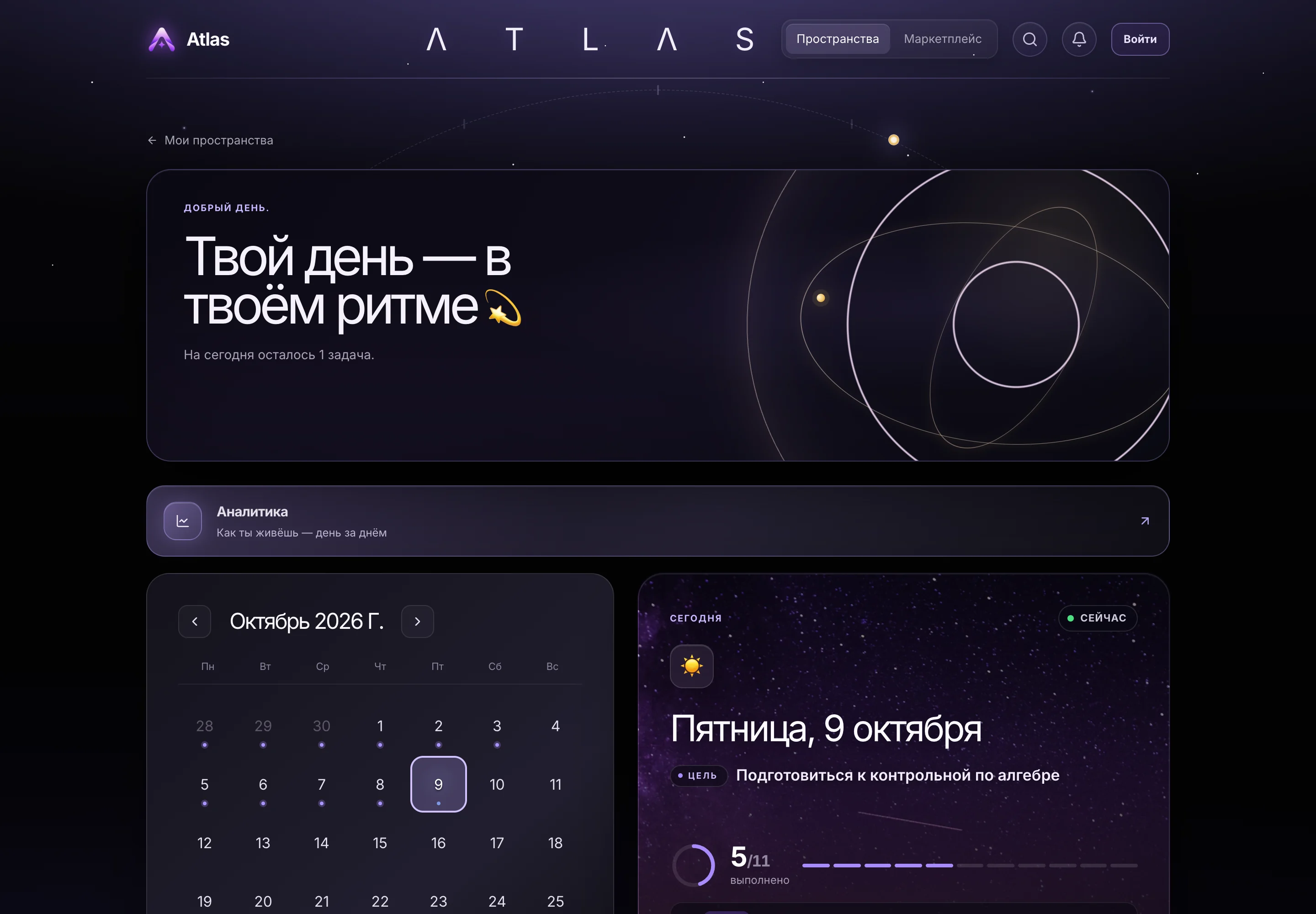
Planner: a greeting, the October 2026 calendar and the Friday card with a goal to prepare for a test
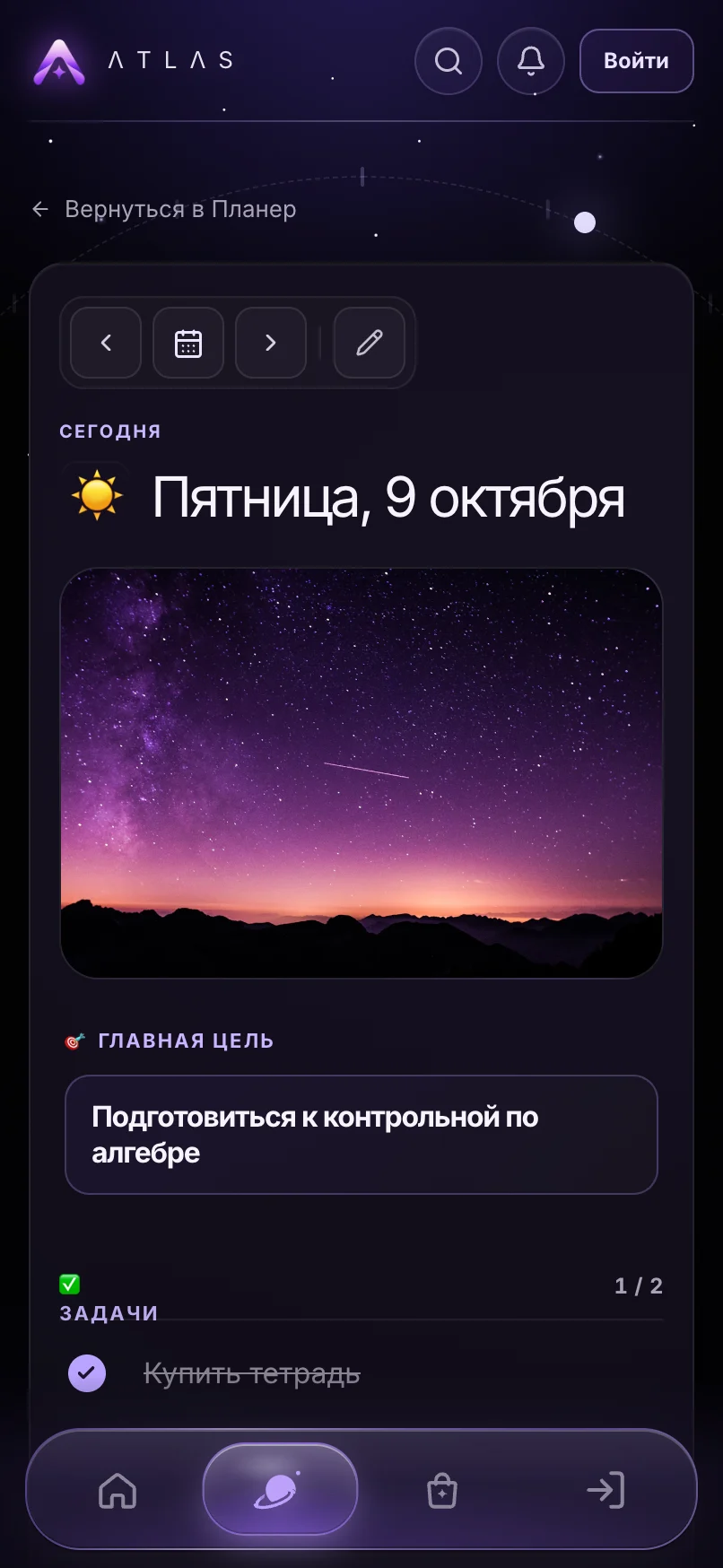
Planner on a phone: a day with its main goal and tasks
Notes · Thoughts

Clear your head. Keep what matters here.

Notes with folders, checklists, tables, formulas and photos. Search finds that one thought.

  • Blocks: headings, checklists, tables, charts
  • Folders and pinned notes
  • Formulas right in the text
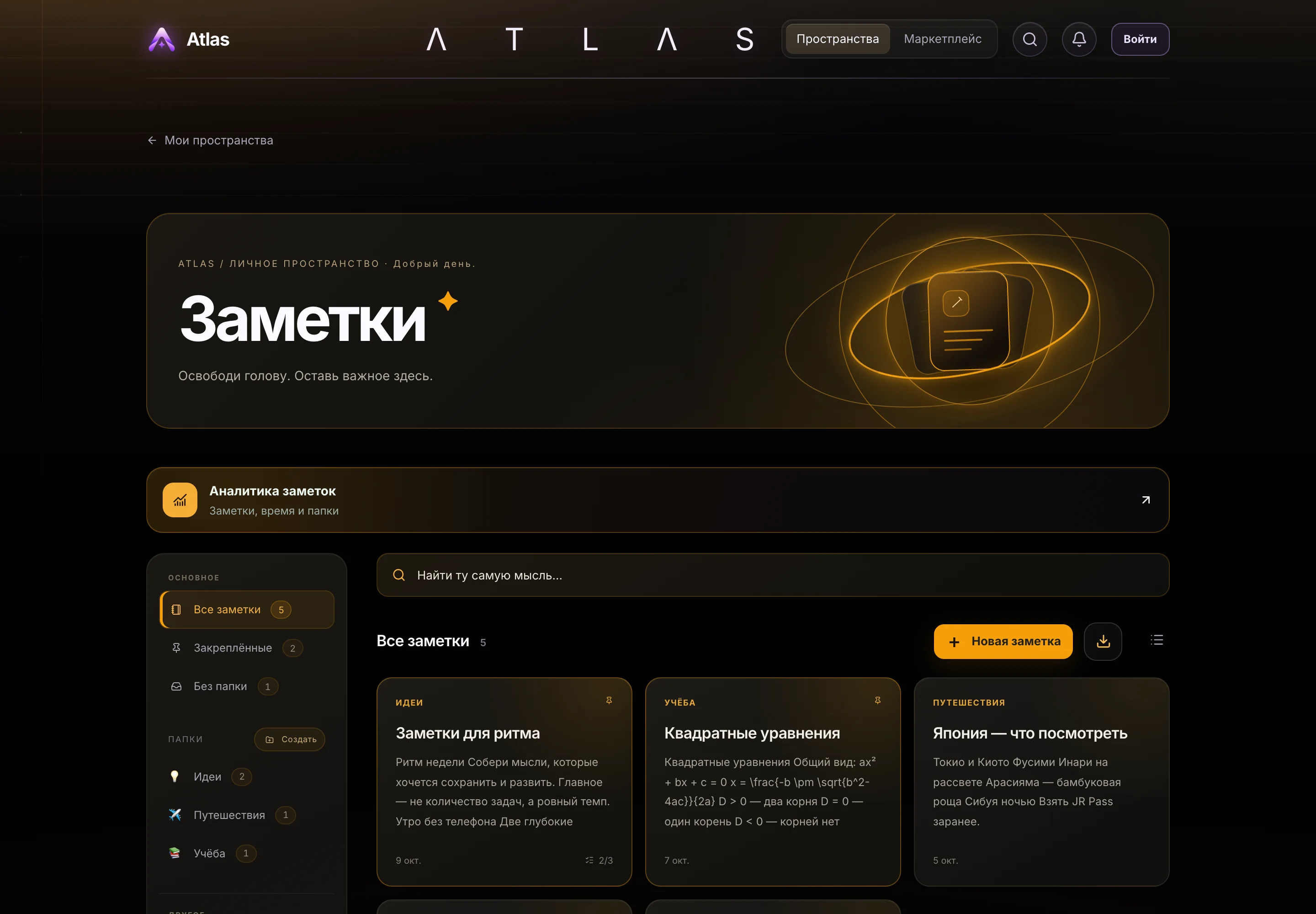
Notes: a grid of notes with folders on the left
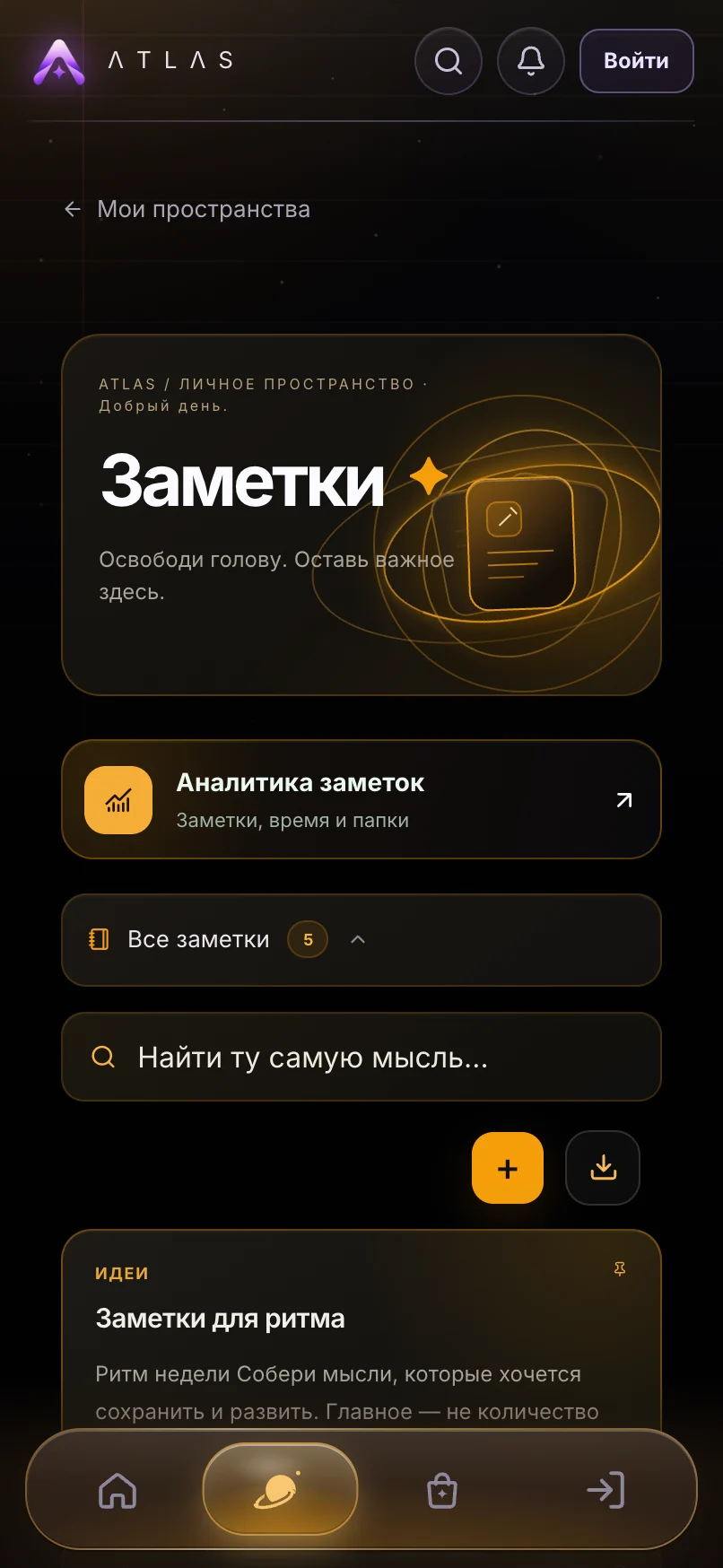
Notes on a phone: search and the note list
Books · Reading

Read more mindfully.

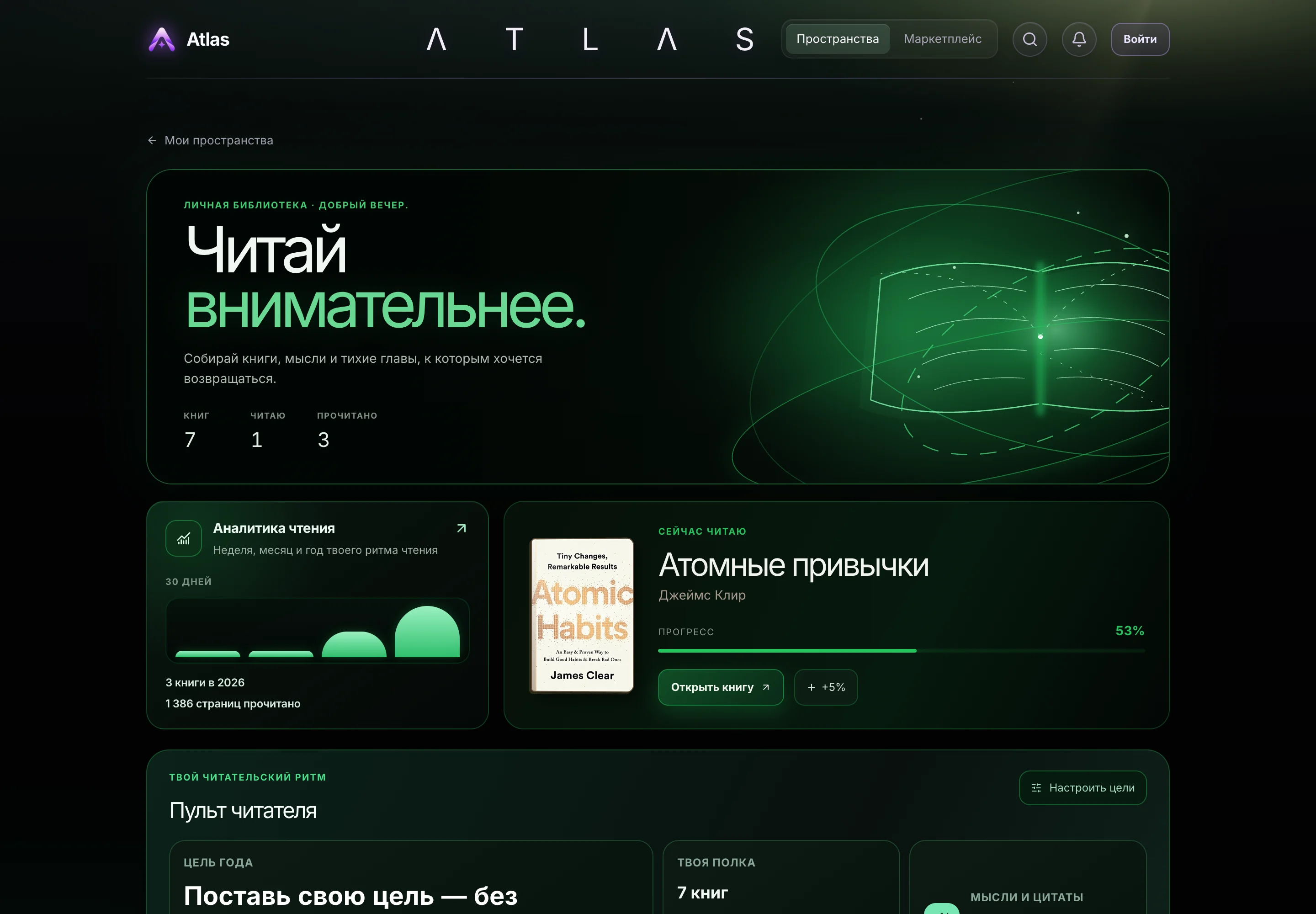
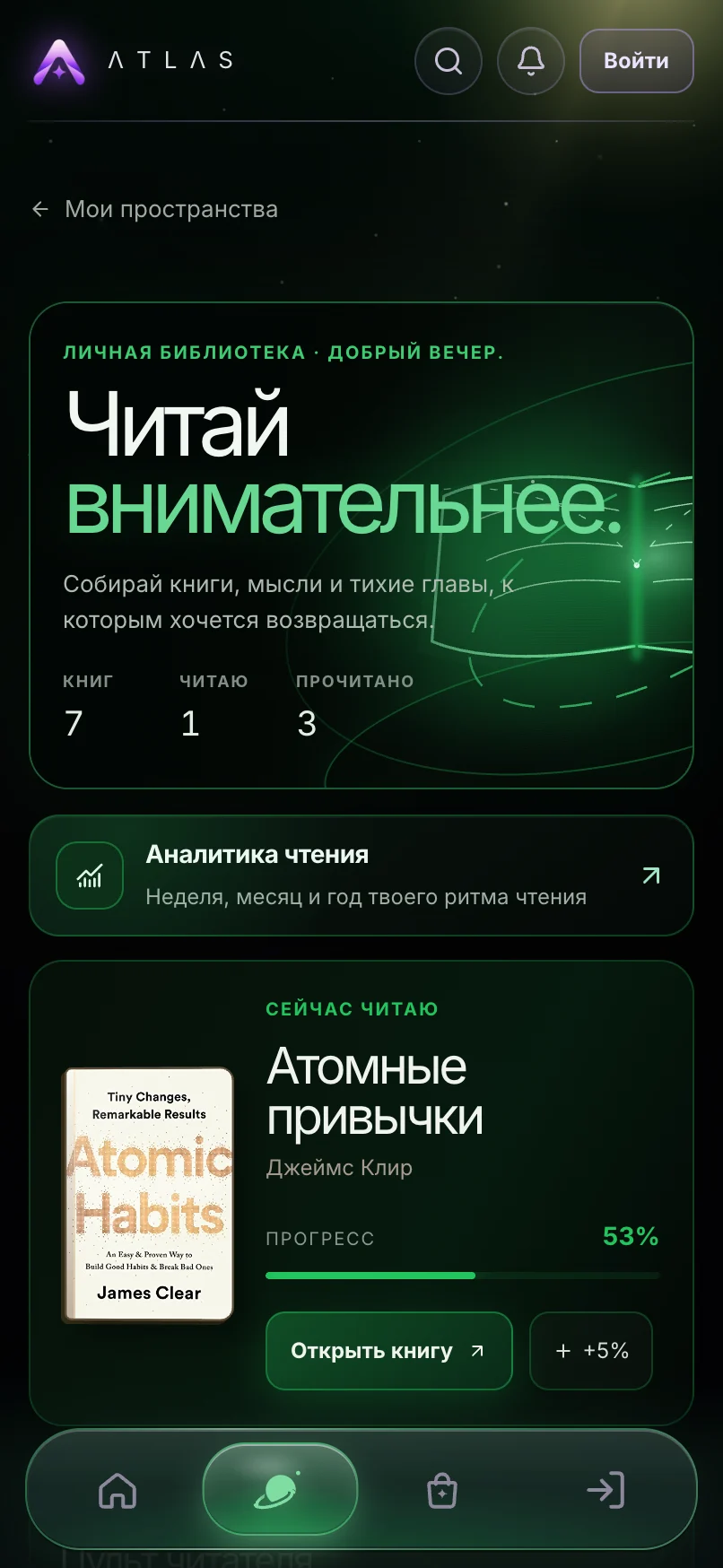
A personal library with covers, progress, quotes and a yearly goal. The reader desk shows your rhythm.

  • Progress in percent and pages
  • Quotes and thoughts for every book
  • A yearly goal and reading analytics
Books: 7 books, currently reading Atomic Habits by James Clear at 53%
Books on a phone: library and the current book
Travel · Trips

Your world: 9 countries.

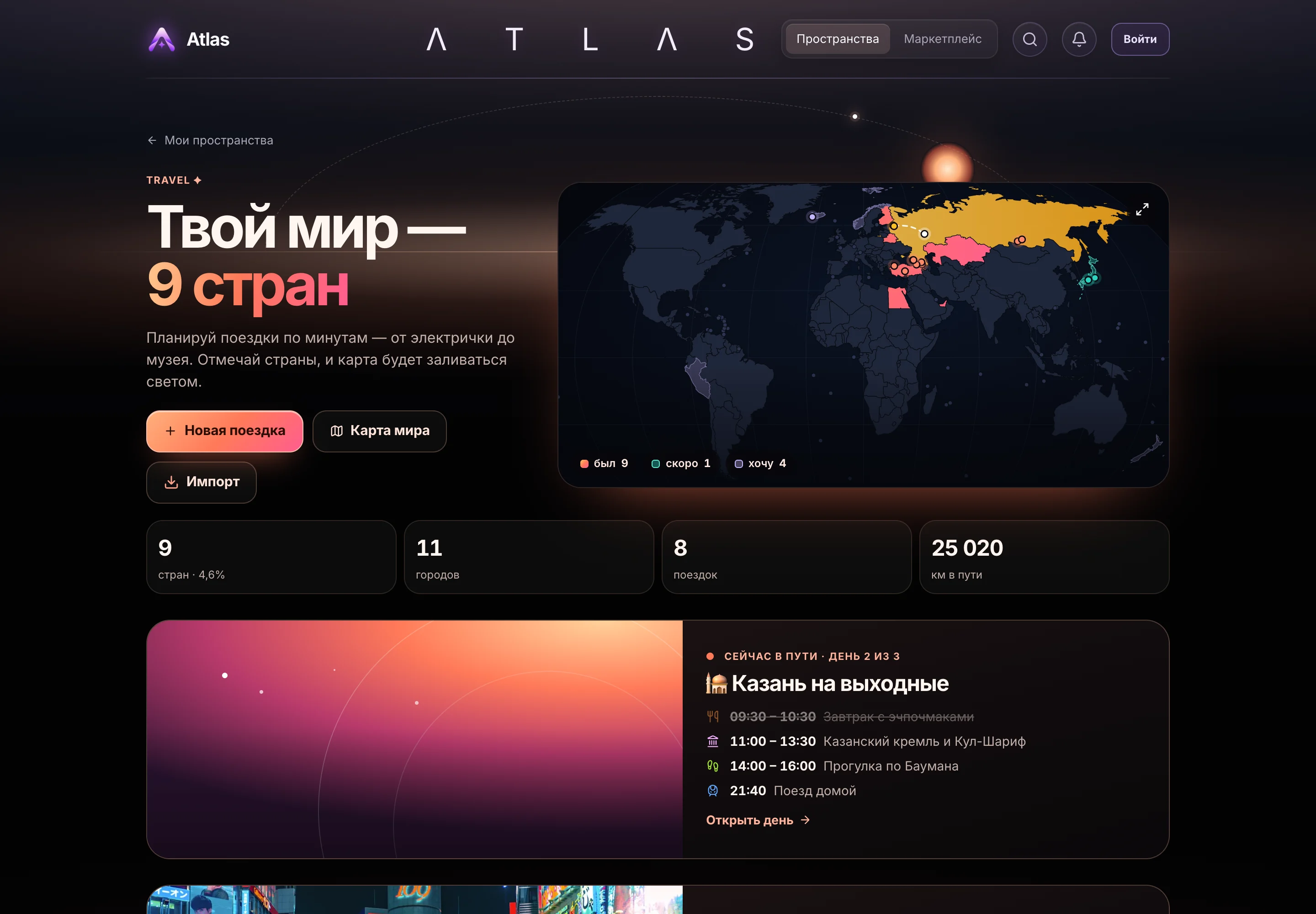
Trips planned to the minute, from the train to the museum. Visited countries light up on the world map.

  • Day-by-day, minute-by-minute plans
  • World map: been, soon, want
  • Countries, cities, kilometres travelled
Travel: a world map with 9 countries and a weekend trip with its schedule
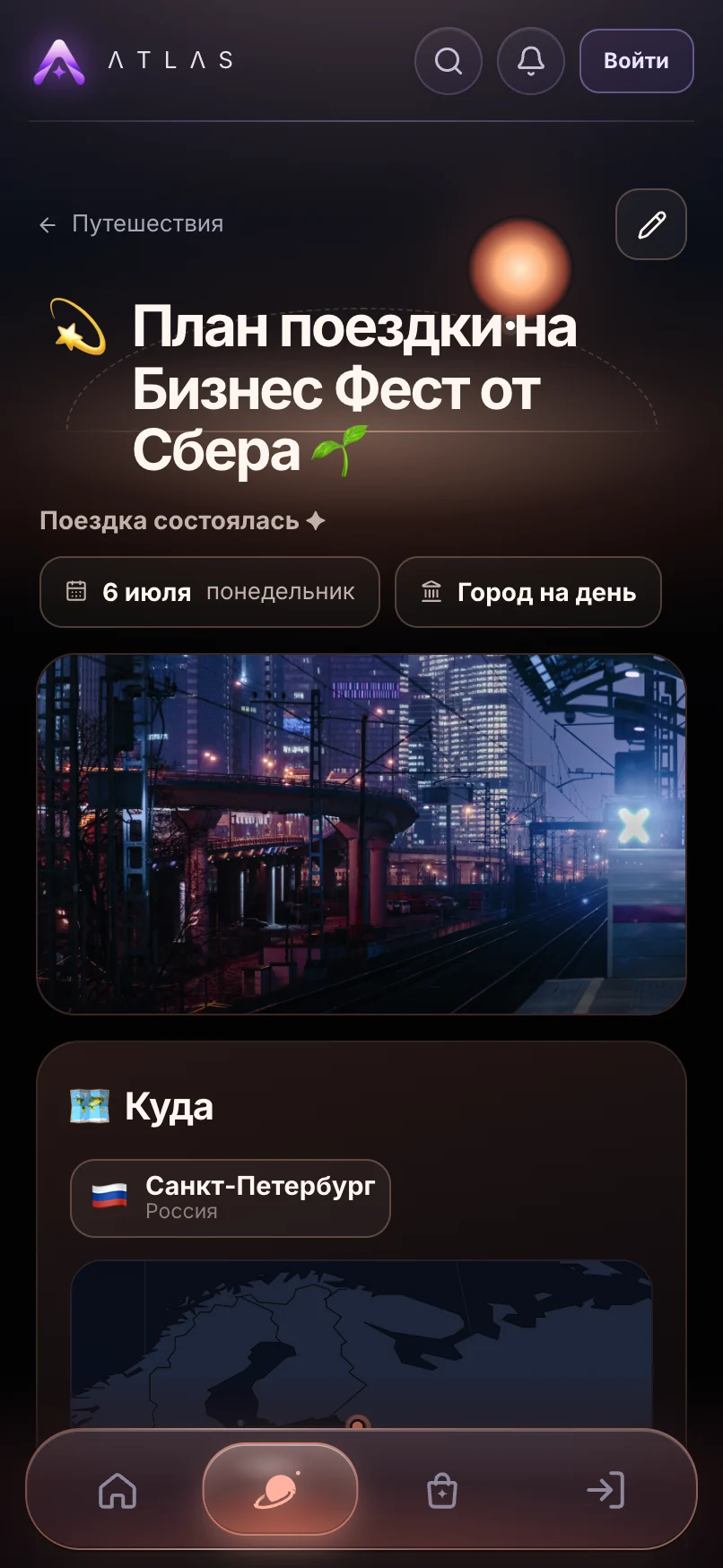
Travel on a phone: a trip plan to Saint Petersburg
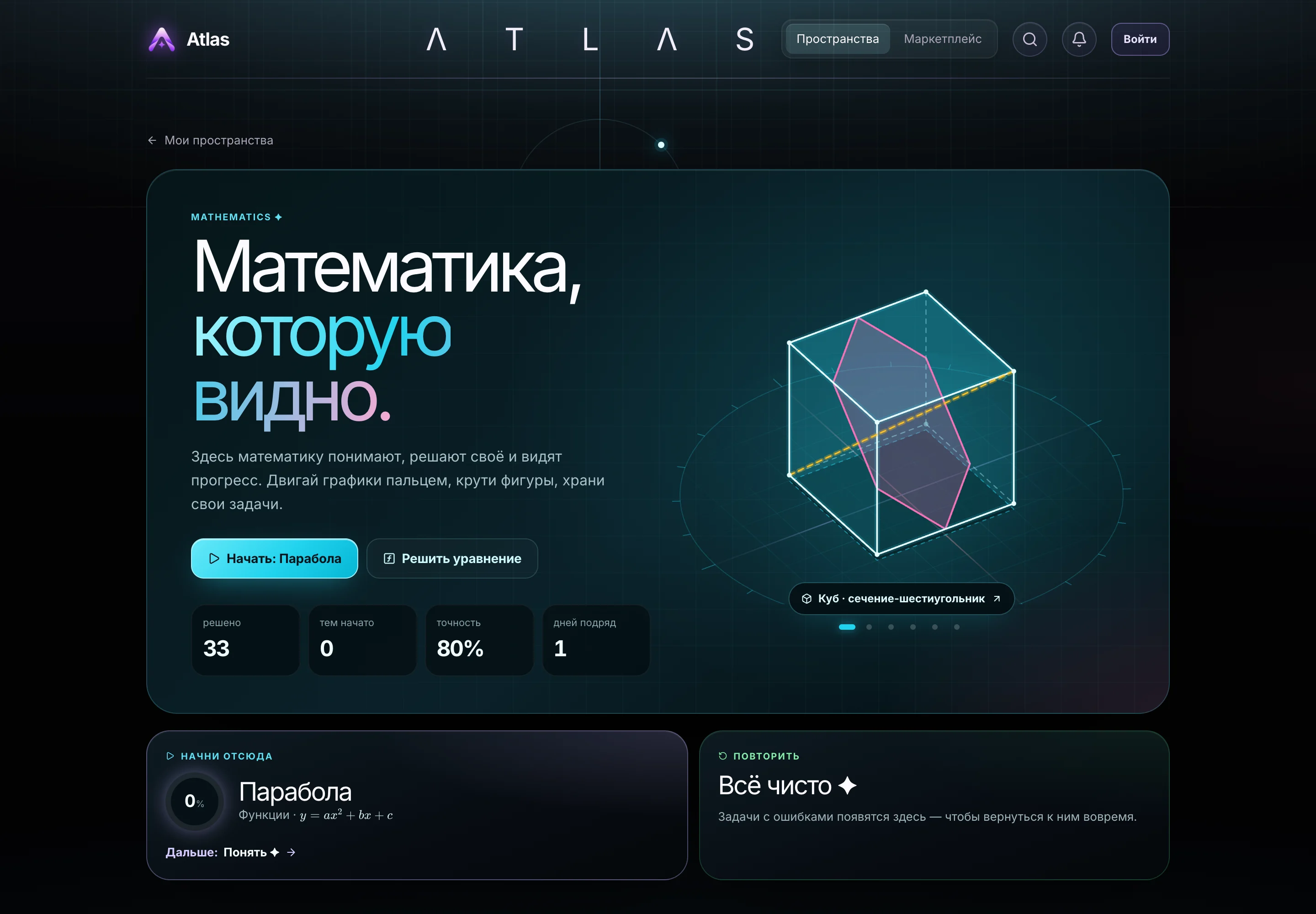
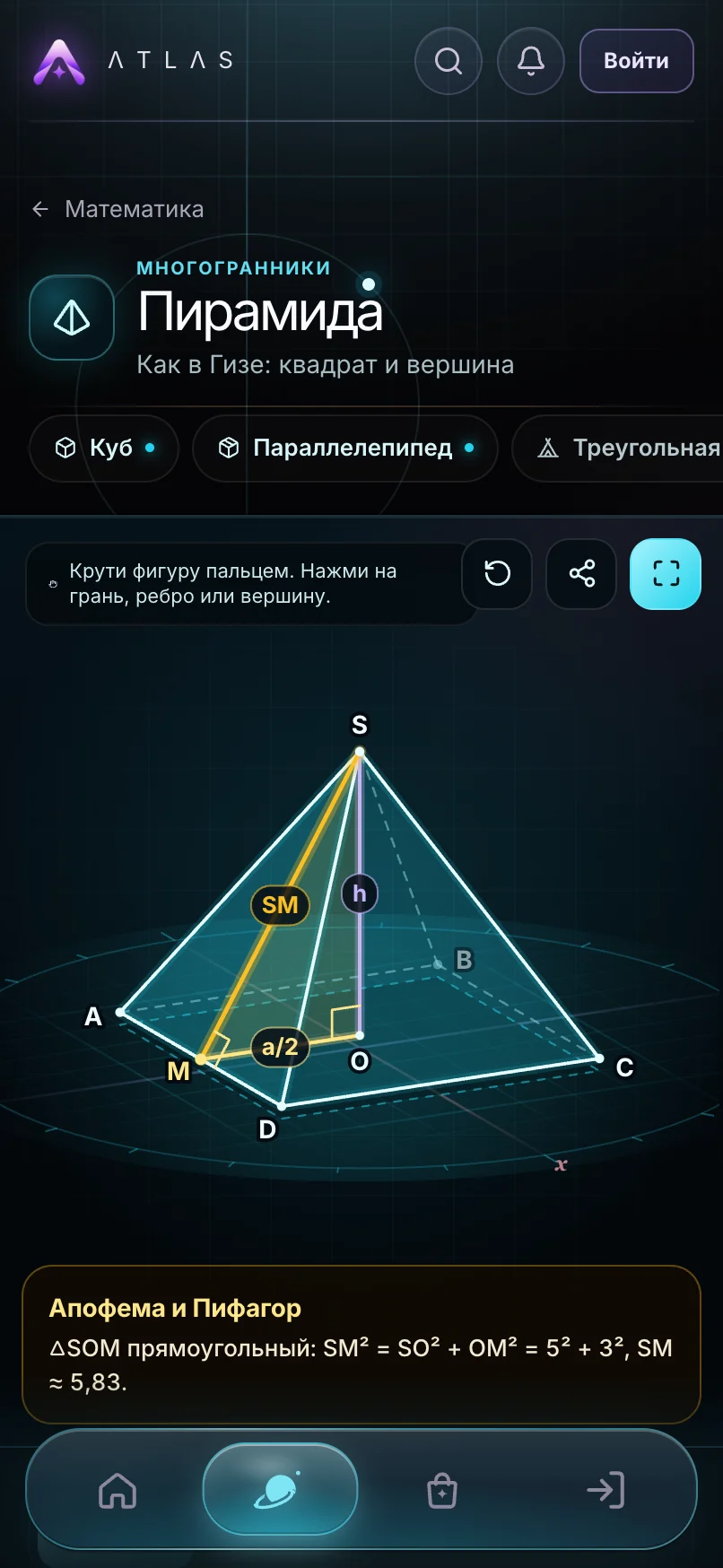
Mathematics · Mathematics

Mathematics you can see.

Graphs move under your finger, shapes rotate, and real-world problems are solved step by step.

  • Interactive 3D shapes and graphs
  • Step-by-step solutions with formulas
  • Math around you, from the Great Pyramid
Mathematics: a cube with a hexagonal cross-section and solved problem stats
Mathematics on a phone: an interactive pyramid
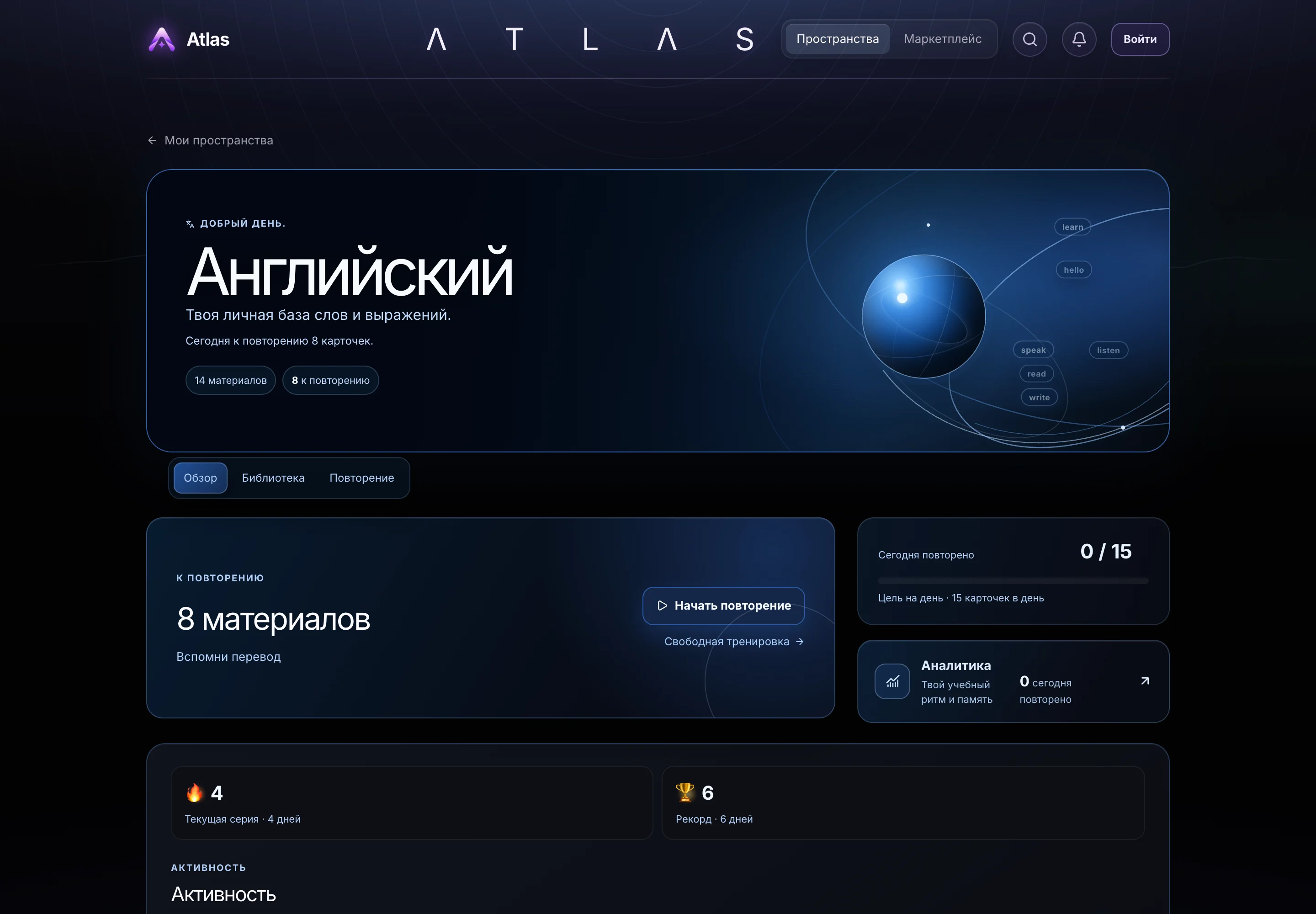
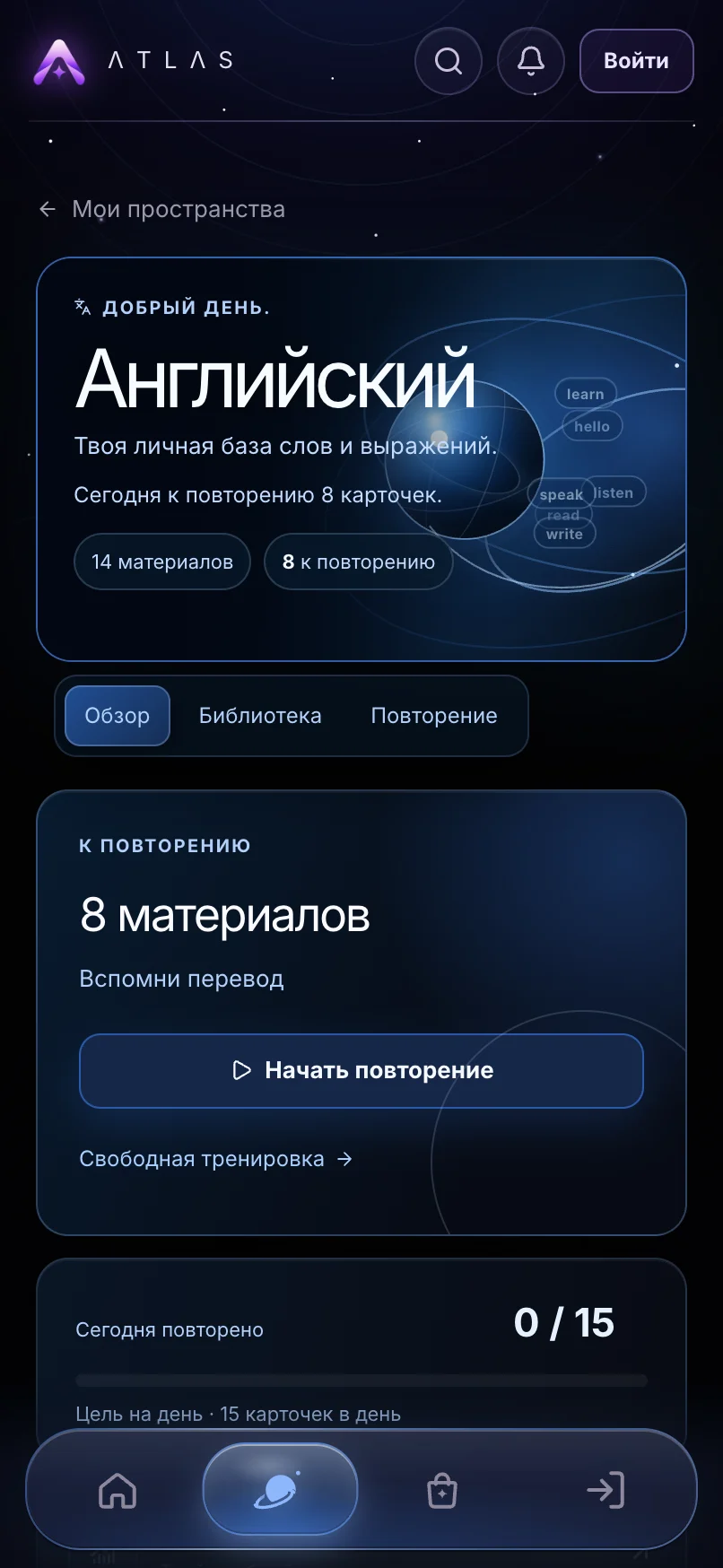
English · English

Words that stay.

Your personal base of words and phrases. Flashcards, daily review, streaks and records.

  • A library of words and phrases
  • Daily flashcard review
  • Streaks and analytics
English: 8 materials to review, a 4-day streak
English on a phone: overview and review
Import

Bring everything you already have.

One Import button in every Space. Paste text, drop a file or ask any AI: Atlas works out which part is the word, the author or the route.

  • English“confident — уверенный”a flashcard with word and translation
  • Booksa Goodreads exporta shelf with covers and statuses
  • Travel“17–19 October, Kazan”a trip with a pin on the map
  • NotesMarkdown from Notiona note with checklists and tables
Start

Start in a second.

No sign-up

Open Atlas and use it right away. As a guest, everything stays on this device.

An account when you want one

Your data moves to the cloud and every device. Everything you did as a guest comes with you.

Like an app

Add Atlas to the Home Screen on iPhone or Android and open it with one tap.

English and Русский

Switch the language in settings at any time.

FAQ

Answers to common questions.

Atlas is completely free right now: all six Spaces, import and sync.

No. You can start as a guest and everything is saved on this device. An account keeps your data in the cloud and on all your devices. When you sign in, your guest data moves into the account.

Atlas runs in the browser and installs like an app. On iPhone, open Atlas in Safari and choose Share → Add to Home Screen. On Android, choose Install app in the browser menu.

Planner, Notes, Books, Travel, Mathematics and English. You can add or remove a Space in the Marketplace inside Atlas, and your data stays put.

By vote. Every account gives up to three votes per round, and if the Space you want is missing, you can suggest it.

Yes. Every Space has Import: CSV, Markdown, JSON, Goodreads, Quizlet and Anki exports, Notion and Obsidian notes, Excel and Google Sheets tables, or an answer from any AI.

Only you. Something becomes public only when you open it on your profile yourself. Details are in the privacy policy.

Write to the support bot on Telegram or by email. The links are just below.

Support

We are here.

Your Atlas is waiting.

Free. No sign-up. Open it and start with any Space.

Open Atlas